INR – Indian Rupee
 EUR – Euro
 NZD – New Zealand Dollar
 PKR – Pakistani Rupee
 PHP – Philippine Peso
 BDT – Bangladeshi Taka
 LKR – Sri Lankan Rupee
 NPR – Nepalese Rupee
 MMK – Myanmar Kyat
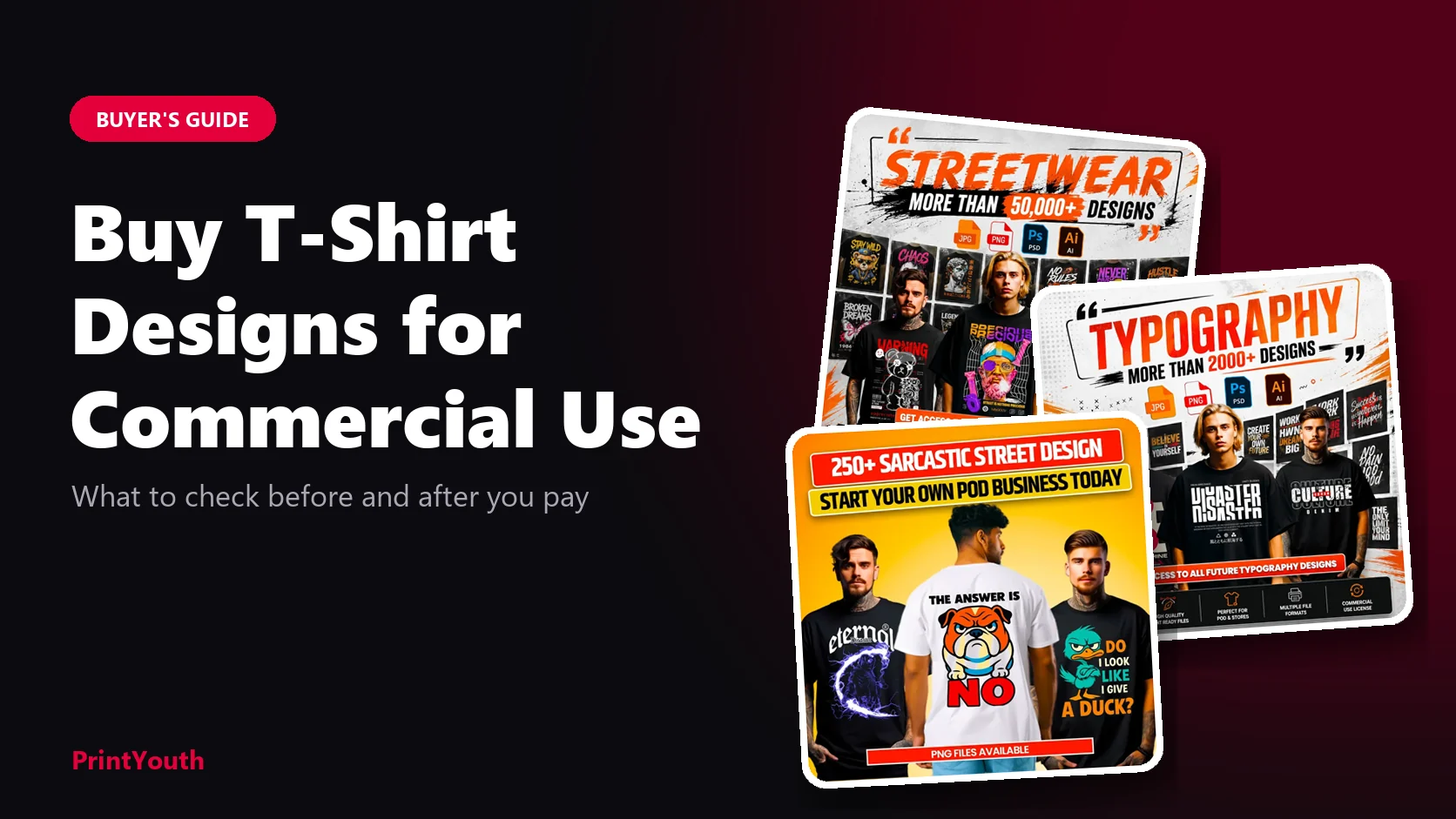
To buy t-shirt designs for commercial use, decide between one-off packs, subscription sites and custom work; check the licence, file formats, sizes and previews before paying; pay through a secure checkout, not a direct transfer to an unknown seller; then download straight away, back up the files and save the licence and receipt as proof.
Buying designs to sell on shirts is a business purchase, even when it costs ₹199. You're buying the right to earn money from someone else's artwork, so the details matter: what the licence covers, whether the files actually print, and whether you can prove it all if a marketplace asks.
Here's the whole process, from choosing where to buy to what to do in the first ten minutes after the download link arrives.
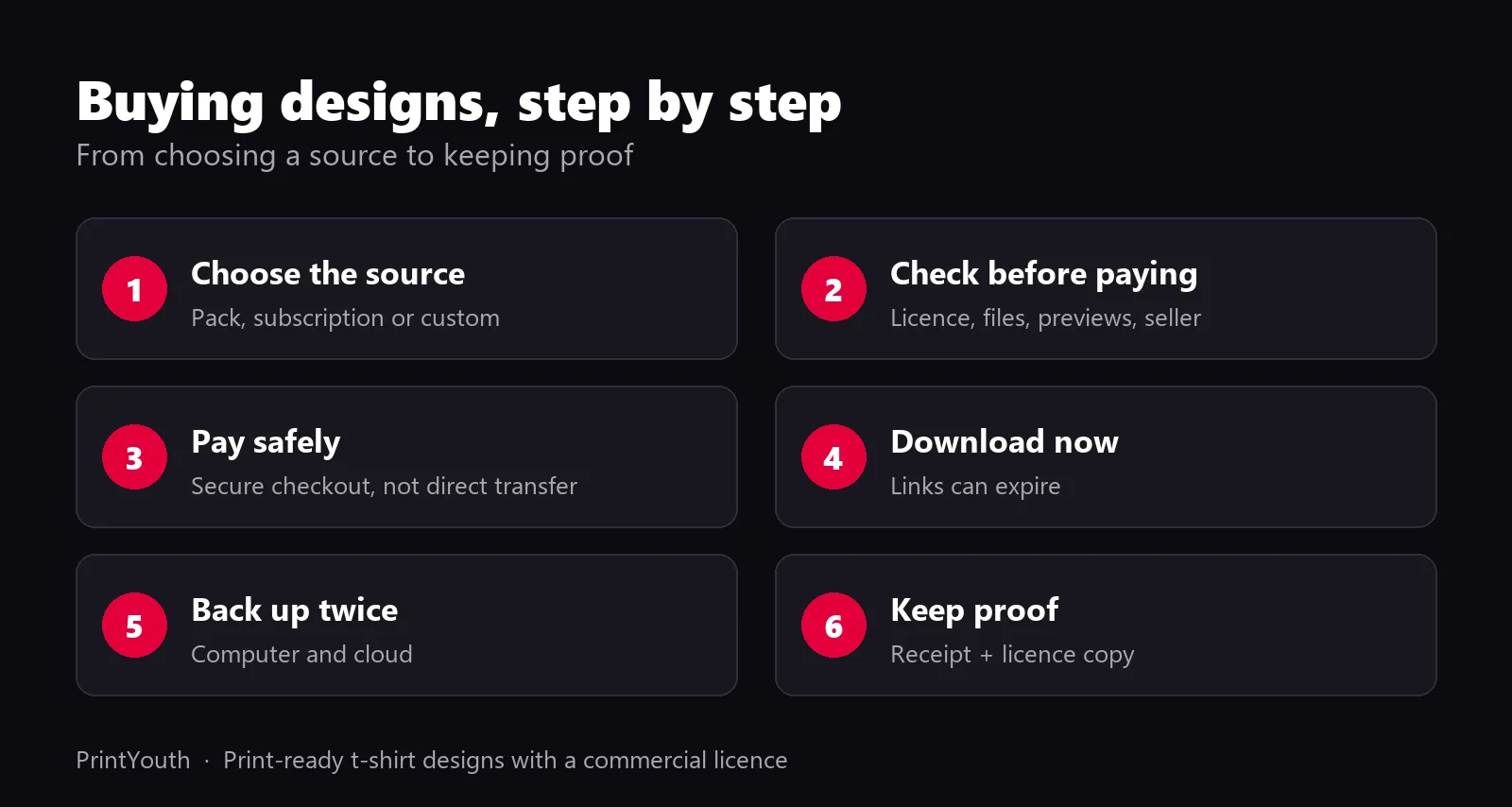
Where can you buy t-shirt designs for commercial use?
You can buy commercial-use t-shirt designs as one-off packs or bundles from design stores and marketplaces such as Etsy, through subscription sites that include a merchandise licence, or as custom work from freelance designers. Each suits a different stage of business.
| Option | How you pay | Good for | Watch out for |
|---|---|---|---|
| One-off packs and bundles | Once, keep forever | Building a catalogue cheaply | Licence quality varies by seller |
| Subscription design sites | Monthly or yearly | Constant new designs | Rights may depend on staying subscribed |
| Marketplace sellers (Etsy etc.) | Per listing | Specific niche packs | Read every listing's licence |
| Freelance designers | Per design | Logos, signature pieces | Get rights transferred in writing |
With subscriptions, check what happens to designs you've already printed if you cancel. Some merchandise licences continue for products made while subscribed; some don't. One-off purchases avoid that question.
What should you check before buying t-shirt designs?
Before buying, check that the licence is readable and covers printed merchandise and your sales channels, the files are transparent PNGs large enough to print (with source files if you need to edit), the previews show original artwork with no brand logos or characters, and the seller has contact details and a refund policy.
- Licence: a public page you can read before paying.
- Channels: Etsy, Amazon, Meesho, your own store, print-on-demand: all covered?
- Quantity: unlimited prints, or a cap?
- Files: PNG with transparency, roughly 3600+ pixels wide; PSD, EPS or SVG if listed.
- Previews: no characters, team crests or brand logos anywhere.
- Seller: contact page, refund policy, real business details.
Our guide to commercial licences explains the terms, and the bundle buyer's checklist covers file checks in detail.
How do you pay safely for digital designs?
Pay for digital designs through a secure checkout on the seller's website or a trusted marketplace, using UPI, card or wallet through a payment gateway. Avoid sending money directly to an unknown person on Instagram or Telegram, where you have no receipt, no licence and no way to get a refund.
A proper checkout gives you three things a direct transfer doesn't: an invoice with the seller's details, an automatic download link, and a payment provider you can complain to if the files never arrive. All three matter if you ever need to prove you bought the designs legitimately.
What should you do right after buying designs?
Right after buying, download all files immediately, check that they open and match the previews, back them up in two places, save the licence and receipt alongside them, and organise them into folders by theme so you can find designs when orders come in.
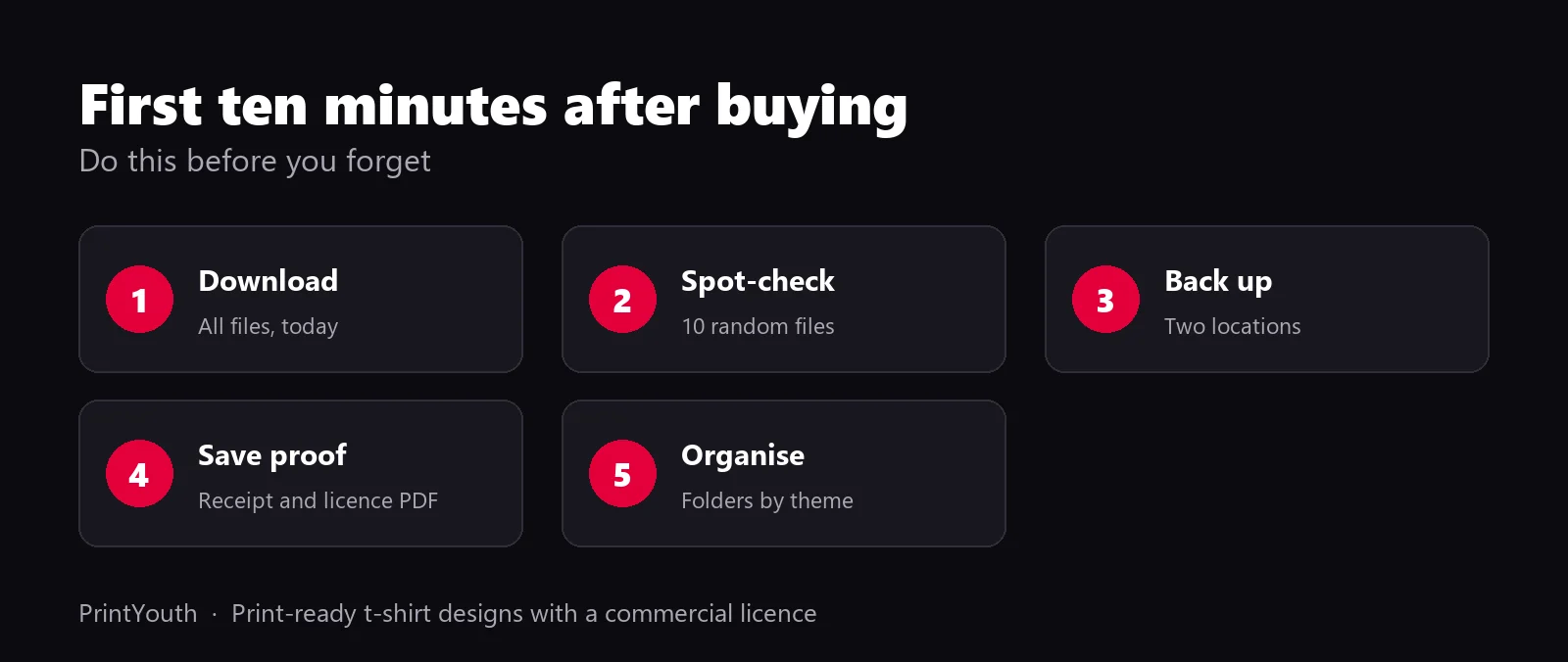
- Download now: some links expire; don't leave it for later.
- Open a sample: check ten random files for size, transparency and quality.
- Back up: one copy on your computer, one in cloud storage.
- Keep proof: save the receipt email and a PDF of the licence page as it was on the day.
- Organise: folders by theme (streetwear, quotes, animals) and a "printed" folder for what you've used.
- Report problems quickly: missing or broken files are easiest to fix in the first days.
Do you need to edit bought designs before selling them?
You don't have to, but editing helps. Commercial design packs are non-exclusive, so other sellers own the same files. Adding your own text, changing colours or combining elements makes your shirts look distinct and reduces duplicate listings on marketplaces.
Small edits go a long way: your brand name under the graphic, a local slogan, a colour scheme that matches your store. Packs with PSD or EPS files make this a two-minute job. And editing is allowed under most commercial licences, including ours; what isn't allowed is selling the edited files as a design pack.
How much should you spend on t-shirt designs?
Spend according to how many designs you'll actually use. For a new store, a ₹199–₹499 niche pack is enough to test. Once a niche sells, a ₹1,999 unlimited bundle or a ₹4,999 all-access bundle costs only a few rupees per printed shirt over a year.
The common mistake is buying a huge cheap bundle first and never using it. Start narrow, sell, then buy depth in what works.
Frequently asked questions
Where is the best place to buy t-shirt designs for commercial use?
A seller that publishes a clear commercial licence, provides transparent print-size files and avoids branded artwork. That can be a design store, a marketplace seller or a freelancer, as long as those boxes are ticked.
Are t-shirt designs on Etsy licensed for commercial use?
Some are and some aren't. Each Etsy listing sets its own terms, so read the description and licence before buying, and avoid listings showing characters or brand logos.
Can I keep using designs if I cancel a subscription?
It depends on the site's licence. Some allow continued use of products created while subscribed; others don't. One-off purchases avoid this question entirely.
What proof should I keep when I buy designs?
The purchase receipt or invoice, a saved copy of the licence as it was when you bought, and the original files. Together they show you had the right to sell.
Can I share bought designs with my printer?
Yes, sending files to your printer to produce your products is normal. The printer may not keep or reuse them for other customers.
Do commercial use designs come with source files?
Some do. Check the product page for PSD, EPS or SVG files if you plan to edit text or colours; PNG-only packs are ready to print but harder to change.
The short version
Choose the right source for your stage, check licence, files and previews before paying, pay through a proper checkout, then download, back up and keep proof straight away. Edit designs to make them yours, and buy depth only in niches that sell.
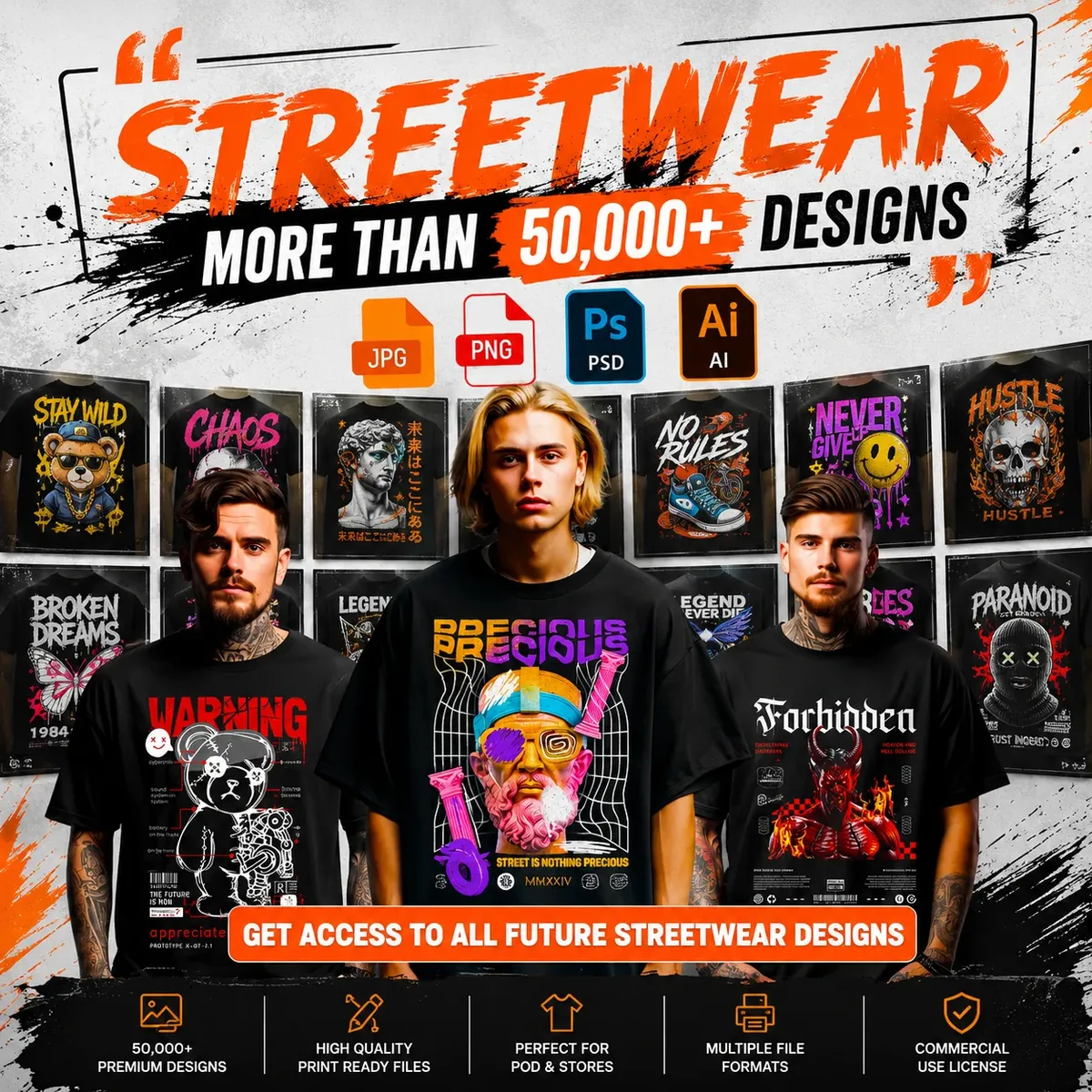
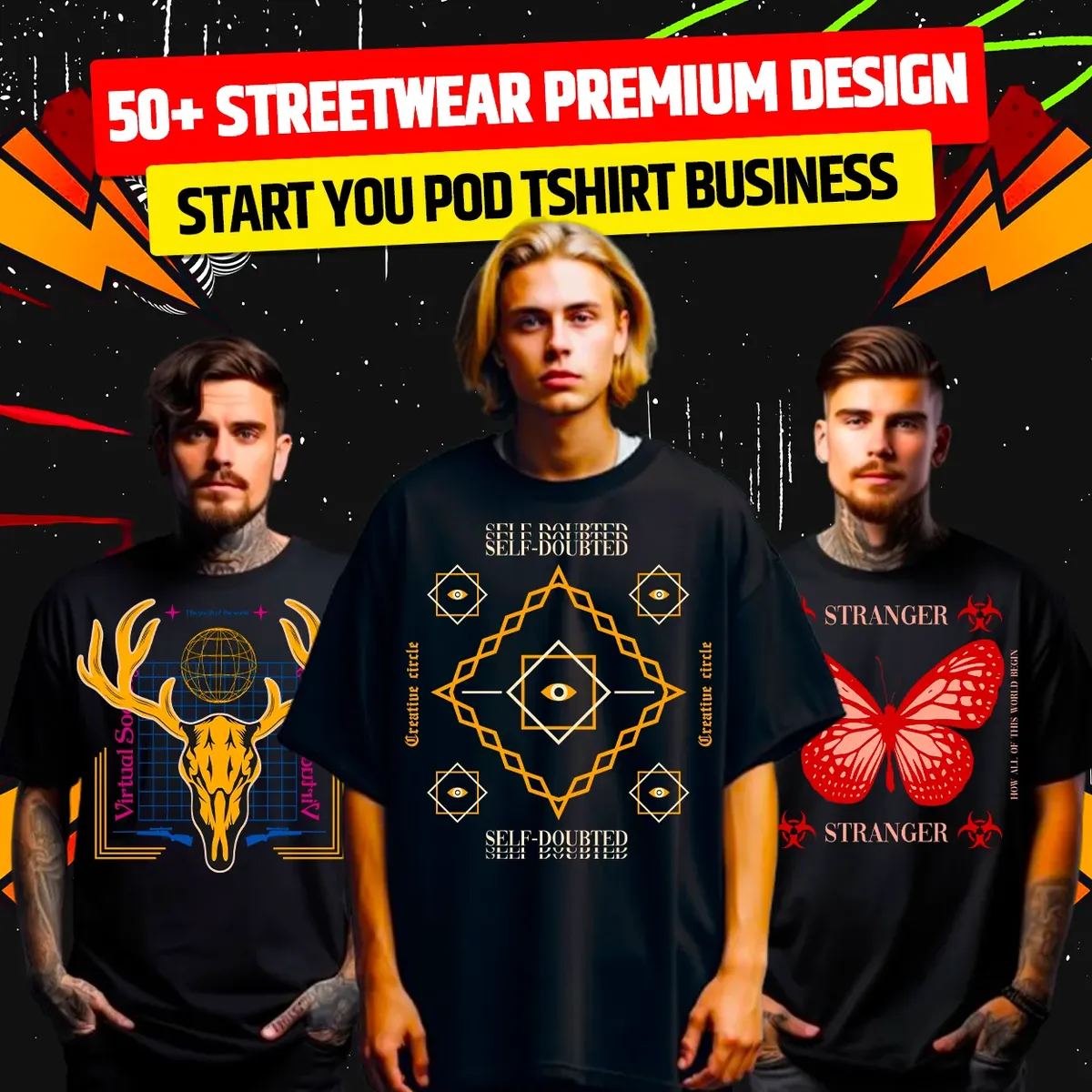
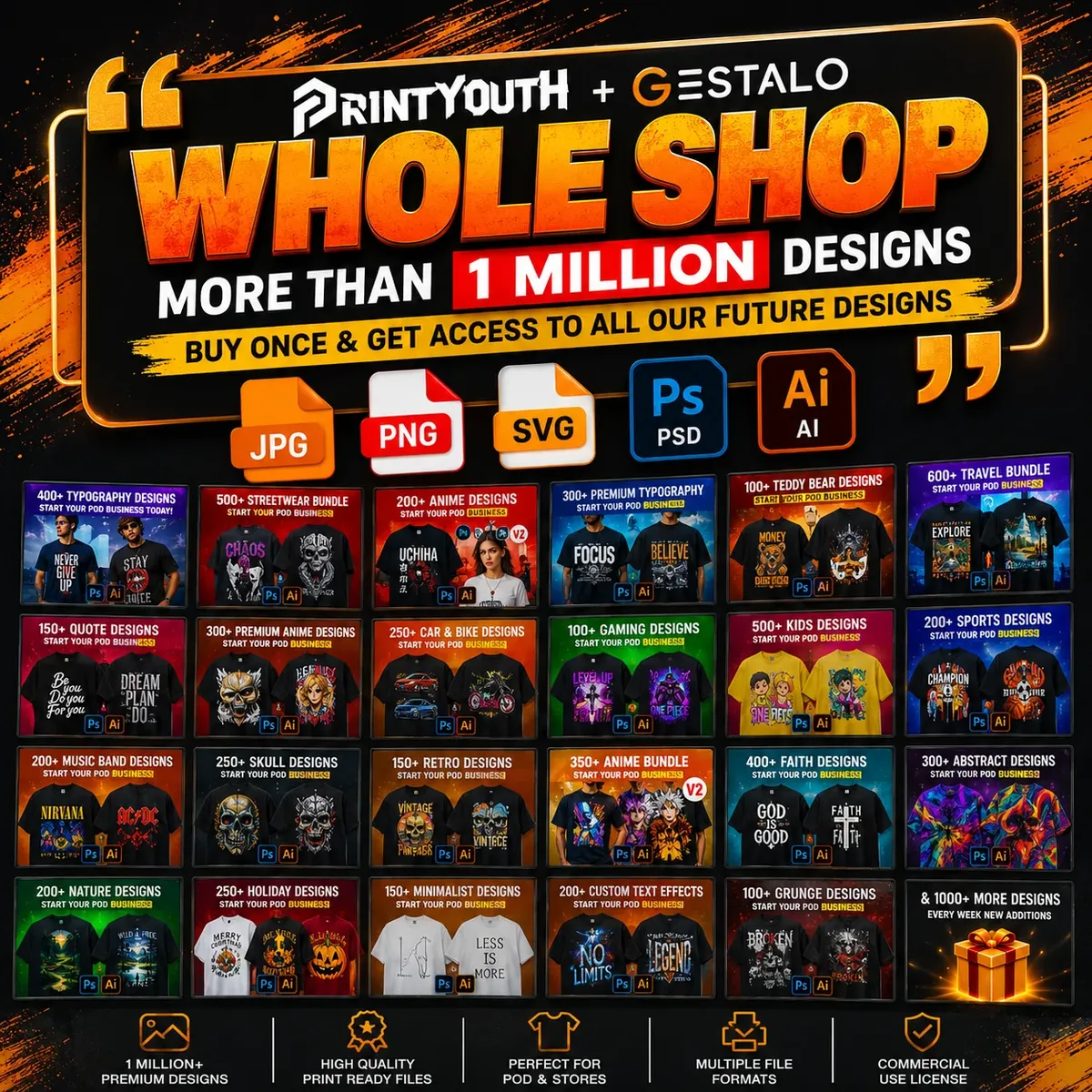
PrintYouth bundles come with a public commercial licence and instant download; start with the Unlimited Streetwear Bundle or the Whole Shop Bundle.
Last updated: 22 November 2026.