INR – Indian Rupee
 EUR – Euro
 NZD – New Zealand Dollar
 PKR – Pakistani Rupee
 PHP – Philippine Peso
 BDT – Bangladeshi Taka
 LKR – Sri Lankan Rupee
 NPR – Nepalese Rupee
 MMK – Myanmar Kyat
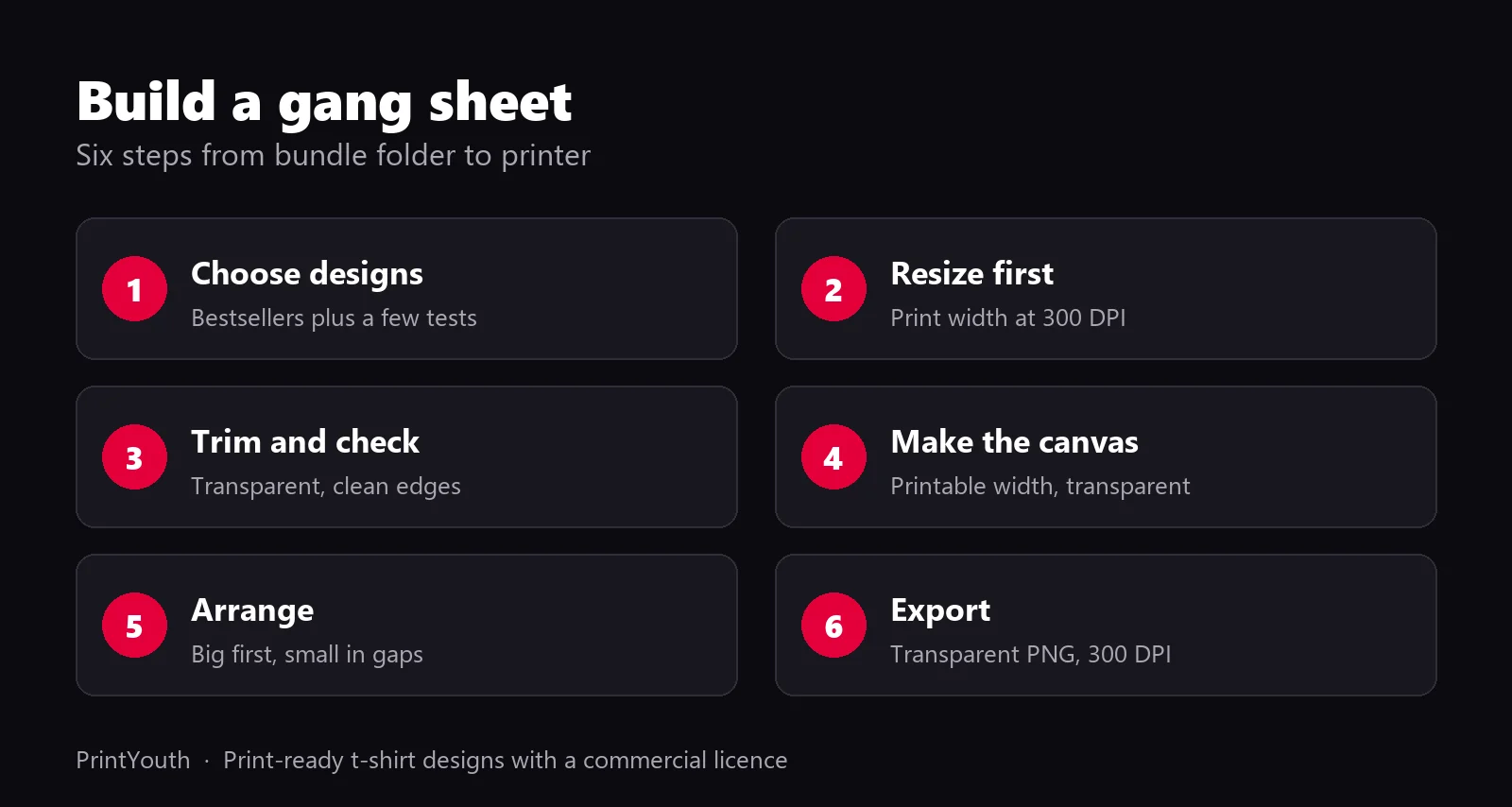
To build a DTF gang sheet from a design bundle, choose the designs, resize each to its print width (for example 11 inches for adult fronts), create a canvas the width of your printer's film (commonly 22–24 inches, about 56–60 cm) at 300 DPI with a transparent background, arrange big prints first and fill gaps with small ones, leave about 0.25–0.5 inch between designs, and export a transparent PNG.
A gang sheet is where a design bundle turns into money. Instead of paying for one transfer at a time, you fill a strip of DTF film with as many designs as fit, then cut and press each one. A well-packed sheet can cut your cost per print a lot. A badly packed one wastes film and makes sizes inconsistent.
Here's the full process using files from a design bundle, in Photoshop, Photopea or Canva.
What is a DTF gang sheet?
A DTF gang sheet is a single print file containing many designs arranged together on one length of DTF film. The printer prints the whole sheet, you cut out each design and press it separately. Because most printers charge by sheet length or area, packing more designs into the same space lowers the cost of each print.
What size is a DTF gang sheet?
A DTF gang sheet's width matches the printer's film, commonly 22 or 24 inches (about 56–60 cm) for production printers, and 30 cm (A3 width) for smaller machines. Length varies: many printers sell sheets by the metre or in set lengths. Ask your printer for the exact printable width before building the sheet.
The printable width is usually slightly less than the film width, because printers leave a margin. Build your canvas to the printable width your supplier gives you, not the roll width, so nothing gets cut off.
How do you prepare bundle designs for a gang sheet?
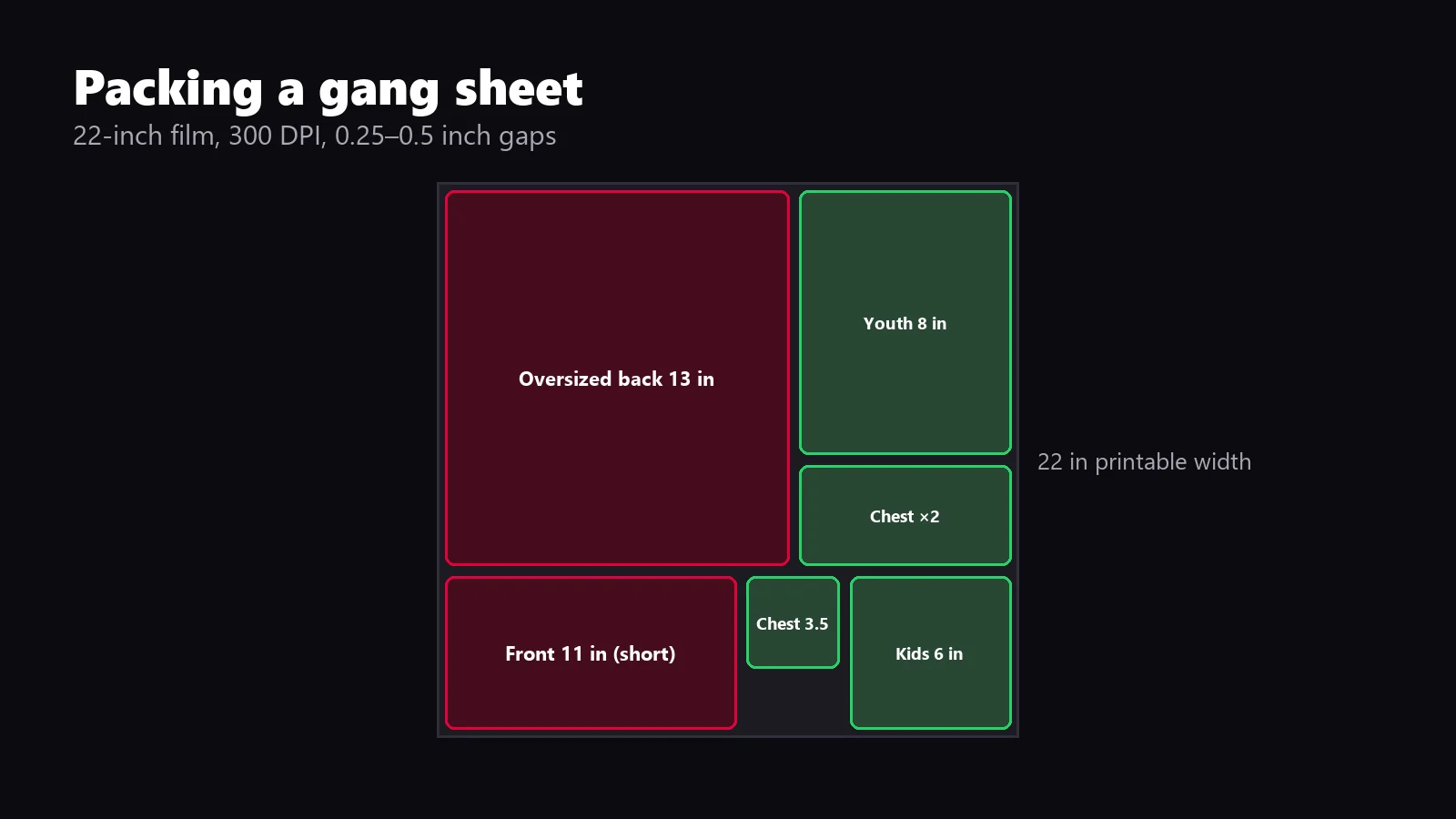
Pick the designs you need, check each is a transparent PNG with clean edges, and resize them to their final print widths at 300 DPI: about 11 inches for adult fronts, 12–14 for oversized backs, 8 for youth, 3.5 for chest logos. Correct sizing before arranging is what keeps prints consistent.
- Copy the chosen PNGs into a new folder for this sheet.
- Open each, set the image size to the print width in inches at 300 DPI.
- Trim empty transparent space around each design (Image → Trim in Photoshop or Photopea).
- Check edges at 400% for white fringe or soft glows.
- Name files by size: "wolf-back-13in.png", "logo-chest-3.5in.png".
Size references are in our DTF size and placement chart.
How do you arrange designs on a gang sheet?
Create a canvas at the printable width and your chosen length at 300 DPI with a transparent background. Place the largest designs first along the top, then fill the gaps around them with chest logos, sleeve prints and kids' sizes. Keep about 0.25–0.5 inch between designs so they're easy to cut.
- Photoshop or Photopea: File → New, width in inches, 300 PPI, transparent. Drag each PNG in as a layer; don't scale after placing.
- Canva: custom size in pixels (22 in × 300 = 6600 px wide). Large canvases can hit Canva's size limits, so long sheets may need splitting.
- Gang sheet builders: many DTF printers offer an online builder where you upload PNGs and it arranges them.
What mistakes ruin a gang sheet?
The common mistakes are scaling designs after placing them, leaving white backgrounds on some files, placing designs too close to cut, exporting at low resolution, and building the canvas wider than the printable area. Each one shows up as wrong sizes, white boxes or cropped prints.
| Mistake | Result | Fix |
|---|---|---|
| Resizing on the sheet | Inconsistent print sizes | Size each file before placing |
| White background on a file | White box printed | Use transparent PNGs only |
| Designs touching | Hard to cut cleanly | Keep 0.25–0.5 in gaps |
| 72 DPI export | Soft, pixelated prints | Export at 300 DPI |
| Canvas too wide | Edges cut off | Use the printable width |
How do you export a gang sheet for the printer?
Export the finished sheet as a PNG with a transparent background at 300 DPI. Check the file size and dimensions, open it once to confirm nothing has a white box, and send it with the sheet length and quantity. Keep the layered file so you can reprint or swap designs later.
Large sheets can produce big files. If your printer has an upload limit, split the sheet into two shorter ones rather than lowering the resolution.
Which designs should you put on your first gang sheet?
Put your bestsellers and a few tests on the first sheet: two or three big back prints, several front designs, a row of chest logos and some kids' sizes. Mixing sizes fills the film efficiently and lets you test new designs at almost no extra cost.
Ready-made bundles make this easy because you can pull a matching set of designs from one style. For layout ideas and which designs print best with DTF, see DTF print designs that sell.
Frequently asked questions
What is the standard DTF gang sheet width?
Production DTF film is commonly 22 or 24 inches wide (about 56–60 cm); smaller printers use 30 cm. Use the printable width your printer gives you.
How much space should be between designs on a gang sheet?
About 0.25–0.5 inch (6–12 mm). Enough to cut cleanly, small enough not to waste film.
Can I make a DTF gang sheet in Canva?
Yes, with a custom pixel size and transparent PNG export (Canva Pro). Very long sheets may exceed Canva's limits, so split them if needed.
What resolution should a gang sheet be?
300 DPI at actual size. A 22-inch-wide sheet is about 6600 pixels wide.
Can I use designs from a bundle on a gang sheet?
Yes, if the bundle's licence allows printing for products you sell. Sending files to a printer for your own orders is normal use.
How much does a DTF gang sheet cost in India?
Prices vary by printer and city; many Indian DTF services price printing by the metre. Ask local printers for current rates and order a test sheet first.
The short version
Size each bundle design first, build a 300 DPI transparent canvas at the printable width, place big designs first and fill gaps with small ones, keep small gaps, and export a transparent PNG. Mix sizes to cut your cost per print.
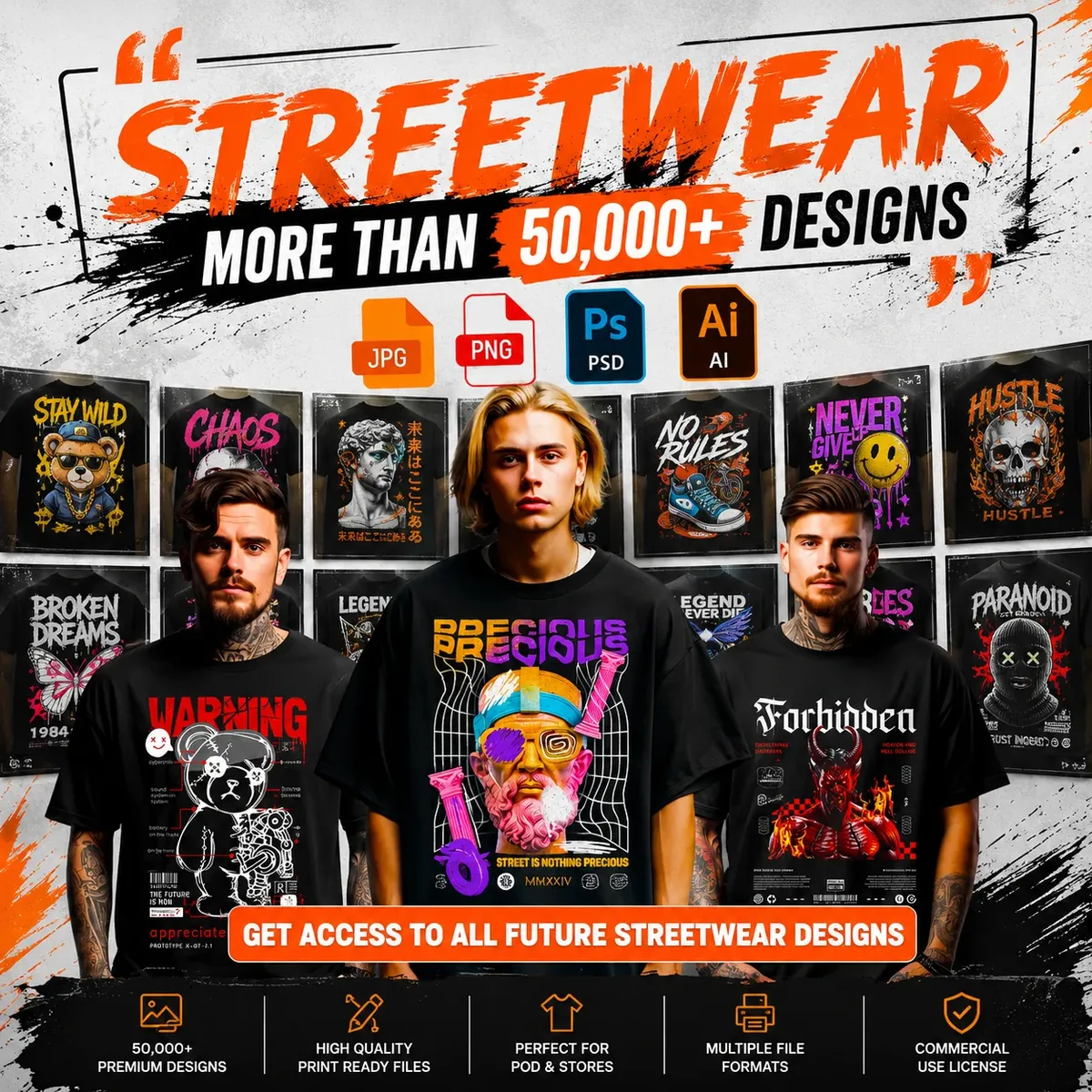
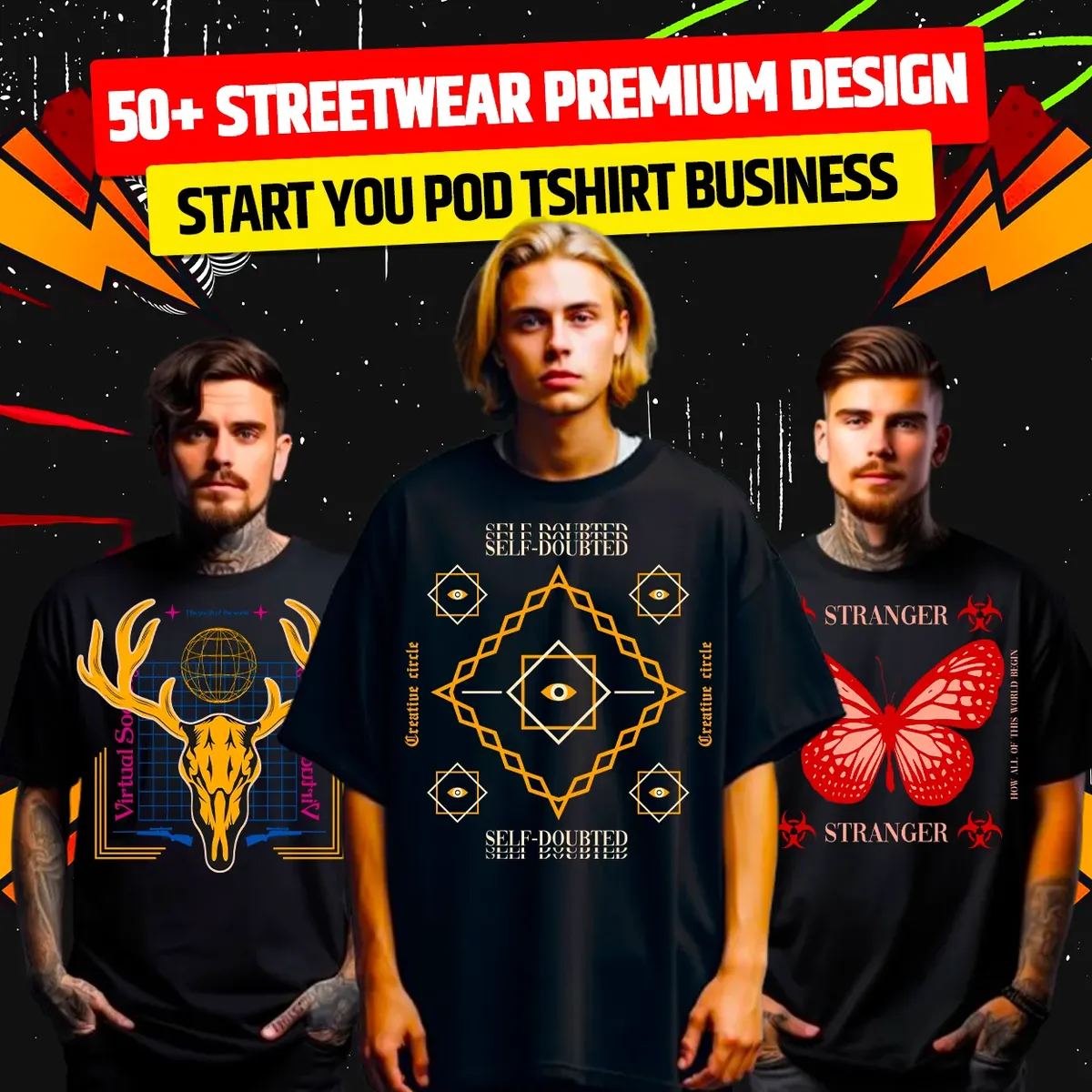
Bundles with matching styles make easy gang sheets: the Unlimited Streetwear Bundle and the Wild Warrior V2 pack.
Last updated: 22 November 2026.