INR – Indian Rupee
 EUR – Euro
 NZD – New Zealand Dollar
 PKR – Pakistani Rupee
 PHP – Philippine Peso
 BDT – Bangladeshi Taka
 LKR – Sri Lankan Rupee
 NPR – Nepalese Rupee
 MMK – Myanmar Kyat
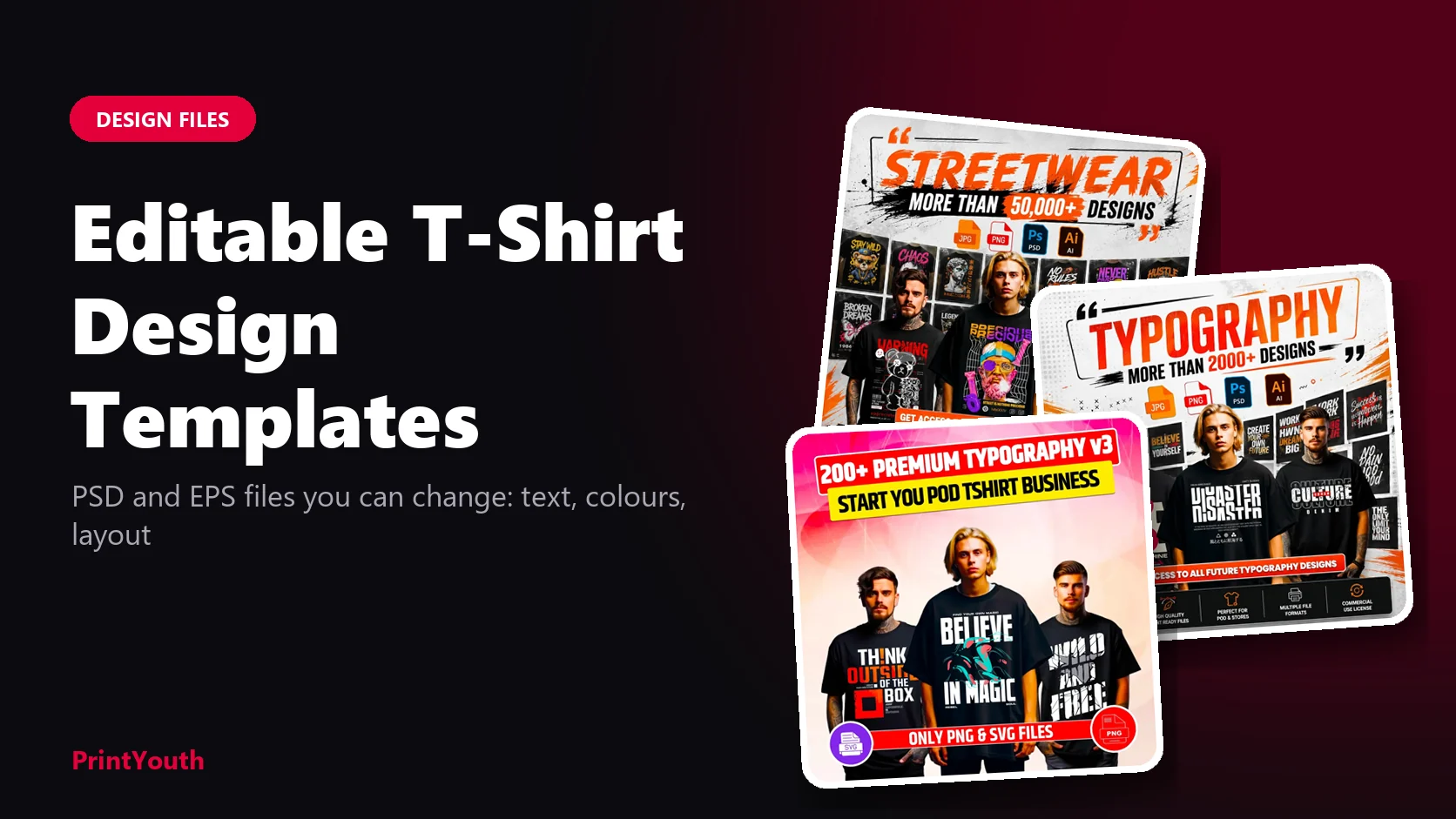
An editable t-shirt design template is a layered PSD (Photoshop) or EPS/AI (vector) file where the text, colours and graphic elements sit on separate layers, so you can change words, recolour and rearrange the design before exporting a print-ready PNG. You can edit PSD templates for free in Photopea and EPS files in Inkscape.
People search for "editable t-shirt design template" because a flat PNG only goes so far. The moment a customer asks for their name, their gym's logo colour or a different line of text, you need the layers. An editable template turns one design into a hundred custom orders.
Here's what "editable" should really mean, how to edit templates without paying for Photoshop, and how to choose editable files that actually save you time.

What is an editable t-shirt design template?
An editable t-shirt design template is a source file, usually PSD, EPS, AI or SVG, that keeps the design's parts separate: live text you can retype, shapes and colours you can change, and graphics on their own layers. You edit it, then export a transparent PNG for printing.
The difference from a normal PNG is huge for a seller. A PNG is a finished photograph of the design. A layered file is the design's recipe. With the recipe you can make "Sharma Family Trip 2026" from a template that said "Family Trip", or turn a red design blue for a team kit, in minutes.
| File | Editable? | Edit it in | Best for |
|---|---|---|---|
| PNG | No (flat pixels) | Any image editor, limited | Printing as-is |
| PSD (layered) | Yes: text, layers, effects | Photoshop, Photopea (free) | Text changes, effects, mockups |
| EPS / AI | Yes: vector shapes and colours | Illustrator, Inkscape (free) | Recolouring, scaling, screen printing |
| SVG | Yes: vector shapes | Inkscape, Canva (partly), cutters | Vinyl cutting, web tools |
How do you edit a PSD t-shirt template for free?
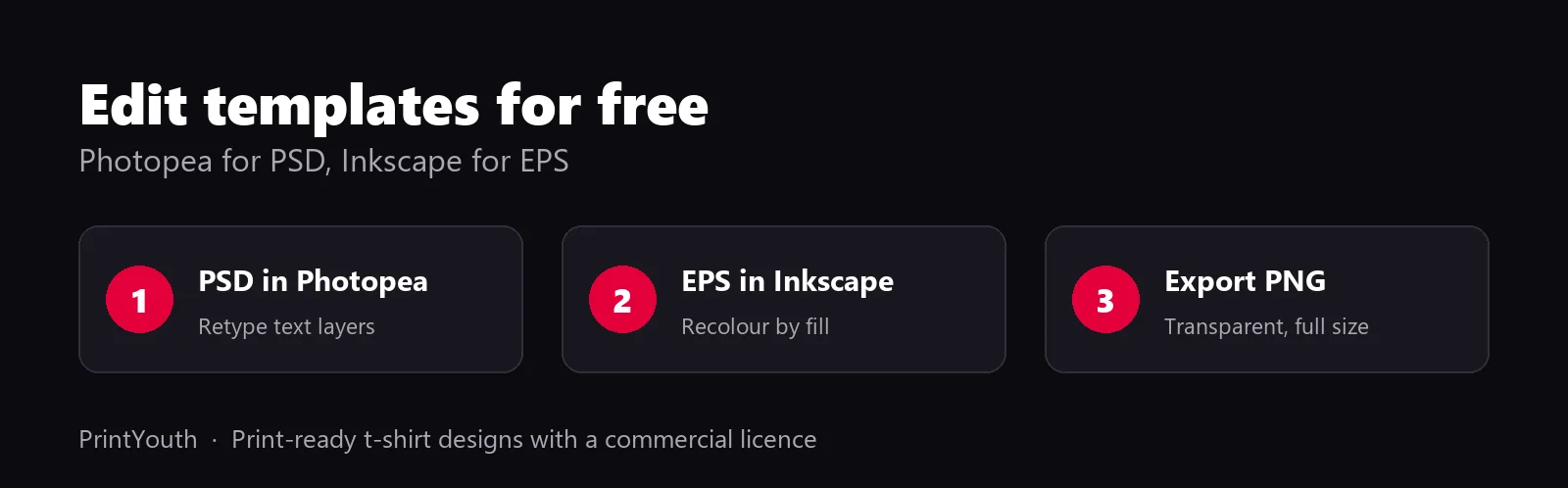
Open the PSD in Photopea, a free browser-based editor, double-click the text layer to type new words, change colours with the layer's fill or adjustment layers, hide or move elements in the Layers panel, then export a PNG with transparency at full size. No Photoshop subscription is needed.
- Go to photopea.com and open the PSD (File → Open).
- In the Layers panel, find the text layer (marked "T") and double-click it to edit.
- Pick a font you're licensed to use commercially, or keep the original if it's supplied.
- Recolour with the layer's colour overlay or the fill colour.
- Hide the background layer so the design sits on transparency.
- File → Export as → PNG, at the full canvas size.
One thing to watch: if a PSD uses a font you don't have installed, Photopea or Photoshop will swap it for another. Good templates either include the font name and a free source, or convert decorative text to shapes so it never changes.
How do you recolour an EPS design?
Open the EPS in Illustrator or the free Inkscape, select the shapes you want to change (use "Select Same Fill Colour" to grab every matching part at once), pick the new colour, and export a PNG at 300 DPI at print size. Vector files make recolouring a team kit or brand colour fast and perfectly clean.
What makes a good editable t-shirt template?
A good editable template has clearly named, grouped layers; live, editable text; fonts that are included or named with a source; colours that can change without rebuilding effects; print-size canvas dimensions; and a matching ready-to-print PNG for when you don't need changes.
- Named layers: "Headline", "Graphic", "Background", not "Layer 47 copy".
- Live text: words you can retype, not text flattened into the image.
- Print-size canvas: around 4500 × 5400 px at 300 DPI.
- Font information: which font, and whether it's free for commercial use.
- A PNG included: so simple orders don't need editing at all.
Watch out for "editable" templates that are really mockups: a PSD where you drop your design onto a shirt photo. Those are for showing designs, not making them. Our guide to the difference between vector and PNG explains how to check what a file really contains.
Are free editable t-shirt templates safe to use?
Free editable templates are safe to print and sell only if their licence allows commercial use on merchandise. Many free PSD sites allow personal use only or require attribution, and some free templates include fonts that aren't licensed for products. Check both the template licence and the fonts inside it.
Paid editable bundles usually solve both problems: a written commercial licence and fonts that are either included, outlined or clearly sourced. For the full checklist, see free vs paid design bundles.
Who benefits most from editable templates?
Editable templates pay off most for print shops taking custom orders, sellers who personalise names and dates, brands that want designs in their own colours, and team or event printers who change text and numbers on every order. If you only sell designs exactly as they come, PNG files are enough.
Frequently asked questions
Where can I get editable t-shirt design templates?
From design bundle stores that include PSD, EPS or AI files, template sites like Vexels, and marketplaces. Choose files with a commercial licence that covers printed merchandise.
Can I edit PSD t-shirt templates without Photoshop?
Yes. Photopea is a free browser editor that opens PSD files, keeps layers and text editable, and exports transparent PNGs.
What is the difference between PSD and EPS templates?
PSD is a layered raster file, great for text changes and effects. EPS is a vector file, great for recolouring and scaling without blur.
Why does the font change when I open a PSD template?
The font isn't installed on your computer, so the editor substitutes another. Install the font named in the template, if its licence allows commercial use, or use the supplied PNG.
Can I sell t-shirts made from edited templates?
Yes, if the template's licence allows editing and commercial printing. You still can't resell the template files themselves.
What size should an editable t-shirt template be?
Around 4500 × 5400 pixels (15 × 18 inches) at 300 DPI, so edits export at full print size.
The short version
Editable means layered: PSD for text and effects (free in Photopea), EPS or AI for colours and scaling (free in Inkscape). Choose templates with named layers, live text, clear font info, a print-size canvas and a commercial licence, then export a transparent PNG to print.
Editable PSD and EPS files are included in the Mega Typography Bundle, the Unlimited Editable Streetwear Bundle and the Whole Shop Bundle.
Last updated: 22 November 2026.