INR – Indian Rupee
 EUR – Euro
 NZD – New Zealand Dollar
 PKR – Pakistani Rupee
 PHP – Philippine Peso
 BDT – Bangladeshi Taka
 LKR – Sri Lankan Rupee
 NPR – Nepalese Rupee
 MMK – Myanmar Kyat

Online t-shirt design makers like Canva, Kittl and Adobe Express are fastest for simple text designs and one-off custom orders. AI design makers produce ideas quickly but usually need fixing before printing. Ready-made print files are fastest for building a catalogue of detailed designs, because they arrive print-ready with a licence. Most sellers combine a maker with ready designs.
Search "t-shirt design maker" and the whole first page is tools: Canva, Kittl, Adobe Express, AI generators, 3D designers. They promise a finished shirt in minutes, and for some jobs they deliver. Google also suggests "t-shirt design maker earn money", which is where it gets more complicated.
If you're selling shirts, the question is how quickly you get a design that prints well, sells and is legally yours to sell. Here's how the options compare.
What is a t-shirt design maker?
A t-shirt design maker is an online tool or app that lets you create a shirt design from templates, text, graphics and sometimes AI, without professional design software. Popular options include Canva, Kittl, Adobe Express, and AI image tools. Some are linked to printing services; others export files for your own printer.
Which is faster: a design maker or ready designs?
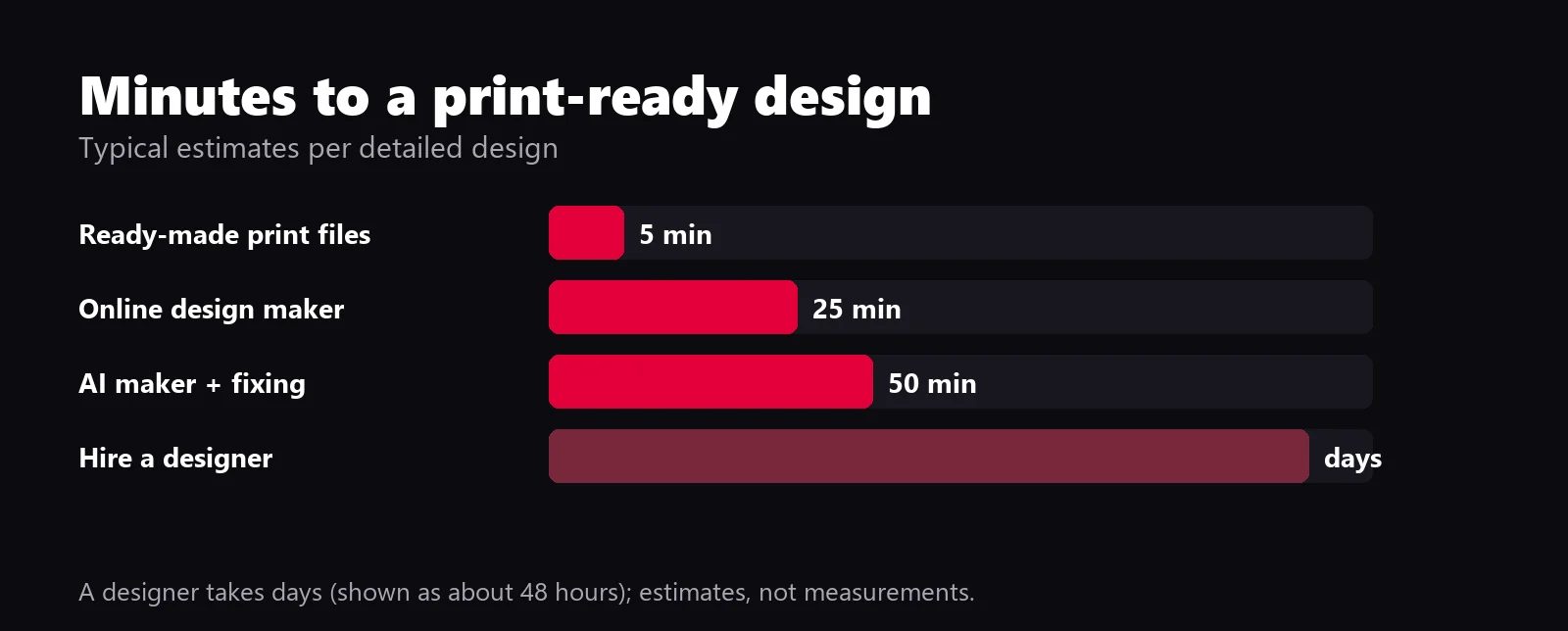
For a single text-based design, a design maker is fastest, often 10–20 minutes. For detailed artwork, ready-made print files are faster, because choosing and placing an existing design takes minutes while creating similar art takes hours. AI makers are quick to draft but need extra time to fix and upscale.
| Method | Typical time per design | Print-ready? | Best for |
|---|---|---|---|
| Online maker (Canva, Kittl) | 10–30 min | With paid export settings | Text, names, simple graphics |
| AI design maker | 5 min draft + 30–60 min fixing | Rarely without cleanup | Ideas and concepts |
| Ready-made print files | 2–5 min to choose and place | Yes | Detailed art, full catalogue |
| Hire a designer | Days | Yes, if specified | Logos, signature pieces |
Times are typical estimates for a reasonably experienced seller, not measurements.
Can you earn money with a t-shirt design maker?
Yes, by designing and selling printed shirts, or by offering custom designs to clients. Check the tool's licence first: many design makers allow commercial printing of designs you create, but restrict using their template elements as logos or selling them on their own, and some AI tools have their own terms on commercial use.
The bigger challenge is standing out. Popular templates are used by thousands of sellers, so stores built only from maker templates often look alike. Adding your own words and using distinctive ready-made artwork helps your range stand apart. Canva's licence rules are covered in Canva vs ready print files.
Are AI t-shirt design makers good enough to print?
AI design makers are good for ideas and rough concepts, but most outputs need work before printing: they're often too small, text is garbled, details are odd, and backgrounds need removing. Copyright for purely AI-generated art is also uncertain, and prompts imitating brands or characters carry the same risk as copying them.
Use AI to explore ideas, then finish designs properly. Our guide to making artwork print-ready covers fixing AI images step by step.
What's the fastest workflow for a t-shirt seller?
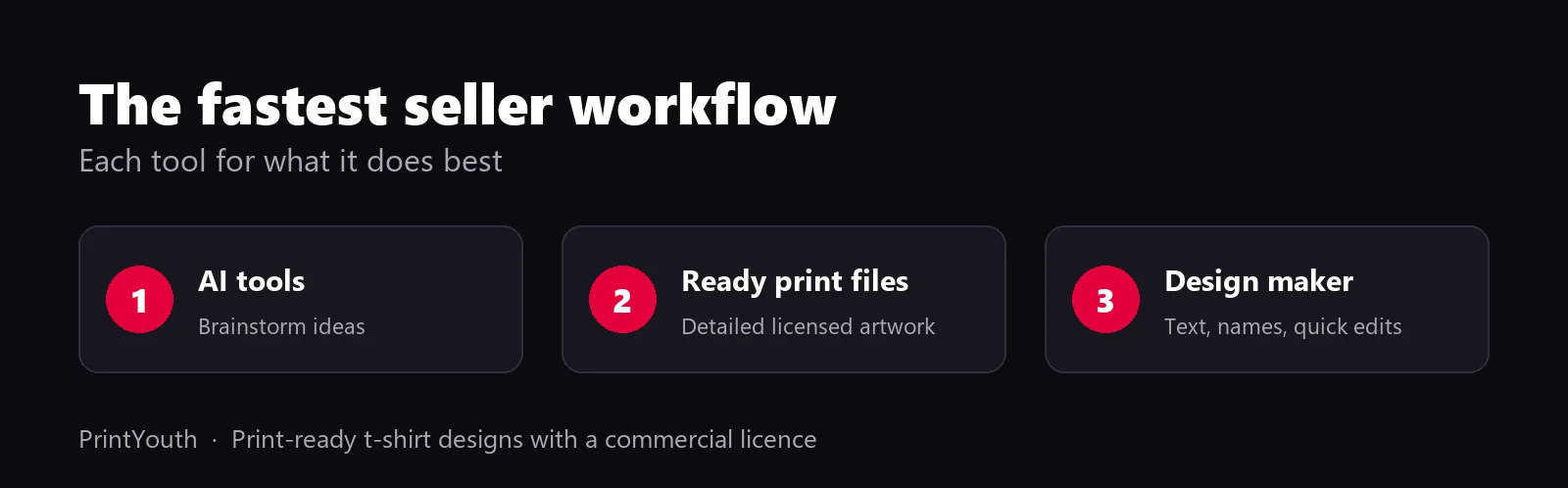
The fastest workflow is to use ready-made print files for the main artwork, add text and names in a design maker like Canva, and keep AI for brainstorming. That gives you detailed, licensed art in minutes plus fast personalisation for custom orders.
Which should a new seller choose?
A new seller should start with a free design maker for text designs and one or two licensed design packs for artwork. Once a niche sells, add more packs in that style and pay for a maker's premium plan for transparent exports. Hire a designer only for a logo or a signature hero design.
Frequently asked questions
What is the best free t-shirt design maker?
Canva, Kittl and Adobe Express all have free plans. Transparent, print-size exports usually need a paid plan, so check before relying on the free tier.
Can I sell t-shirts designed with an online maker?
Usually yes, within the tool's licence. Many restrict using their template elements as logos or selling them unchanged, so customise designs and read the terms.
Are AI t-shirt designs good for printing?
They're useful as drafts. Most need upscaling, background removal and fixing text or details before they print well.
Is it faster to buy t-shirt designs or make them?
For detailed artwork, buying ready-made files is much faster. For simple text designs and names, a design maker is fastest.
Can I use ready-made designs inside Canva?
Yes. Upload transparent PNGs and add your text, if the design licence allows editing and combining artwork.
What is a 3D t-shirt design maker?
A tool that shows your design on a 3D shirt model, useful for previews and custom sportswear ordering. It doesn't replace the print file itself.
The short version
Design makers for text and names, AI for ideas, ready-made files for detailed art and a full catalogue, designers for your logo. Combining them is faster than relying on any one, and keeps your range licensed and distinctive.
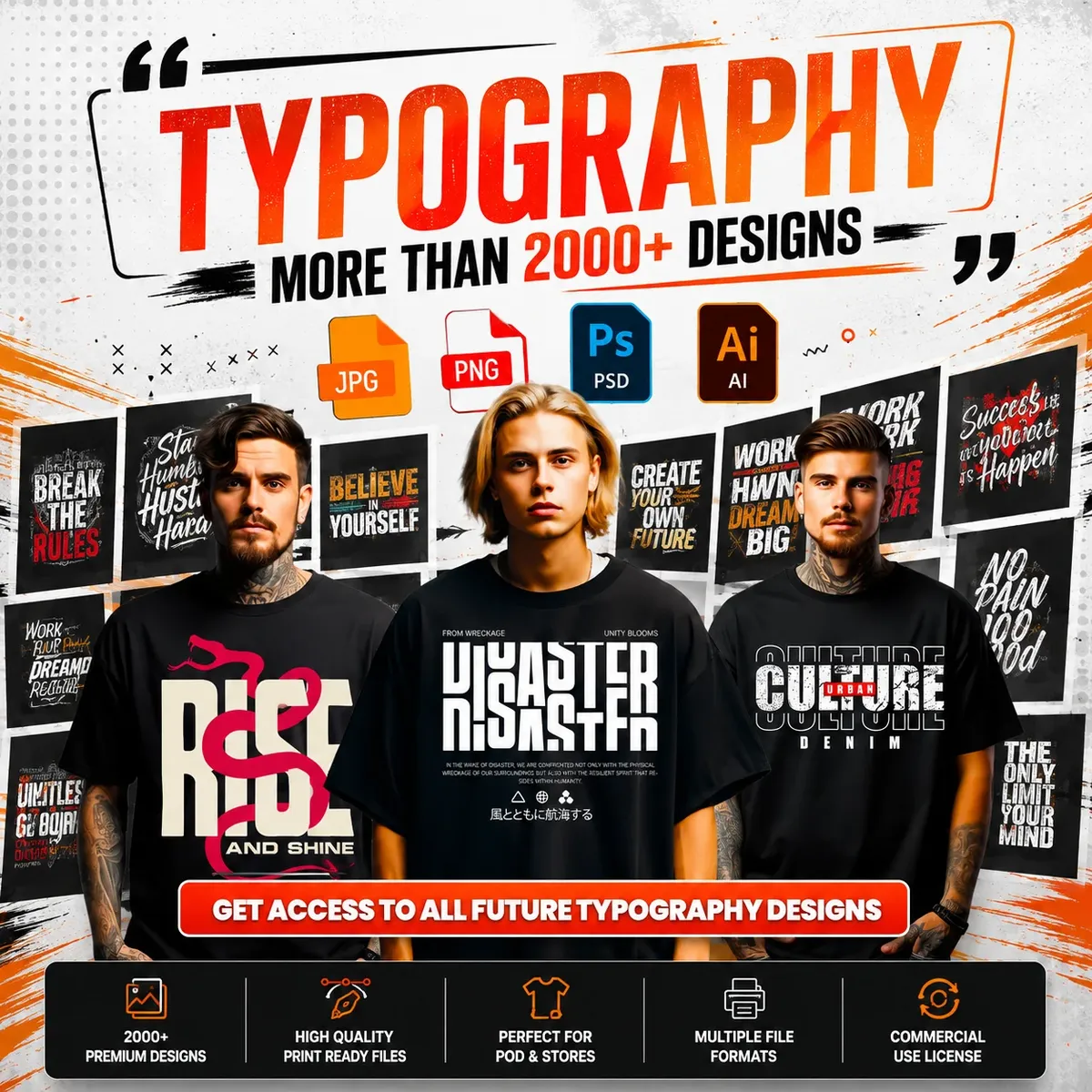
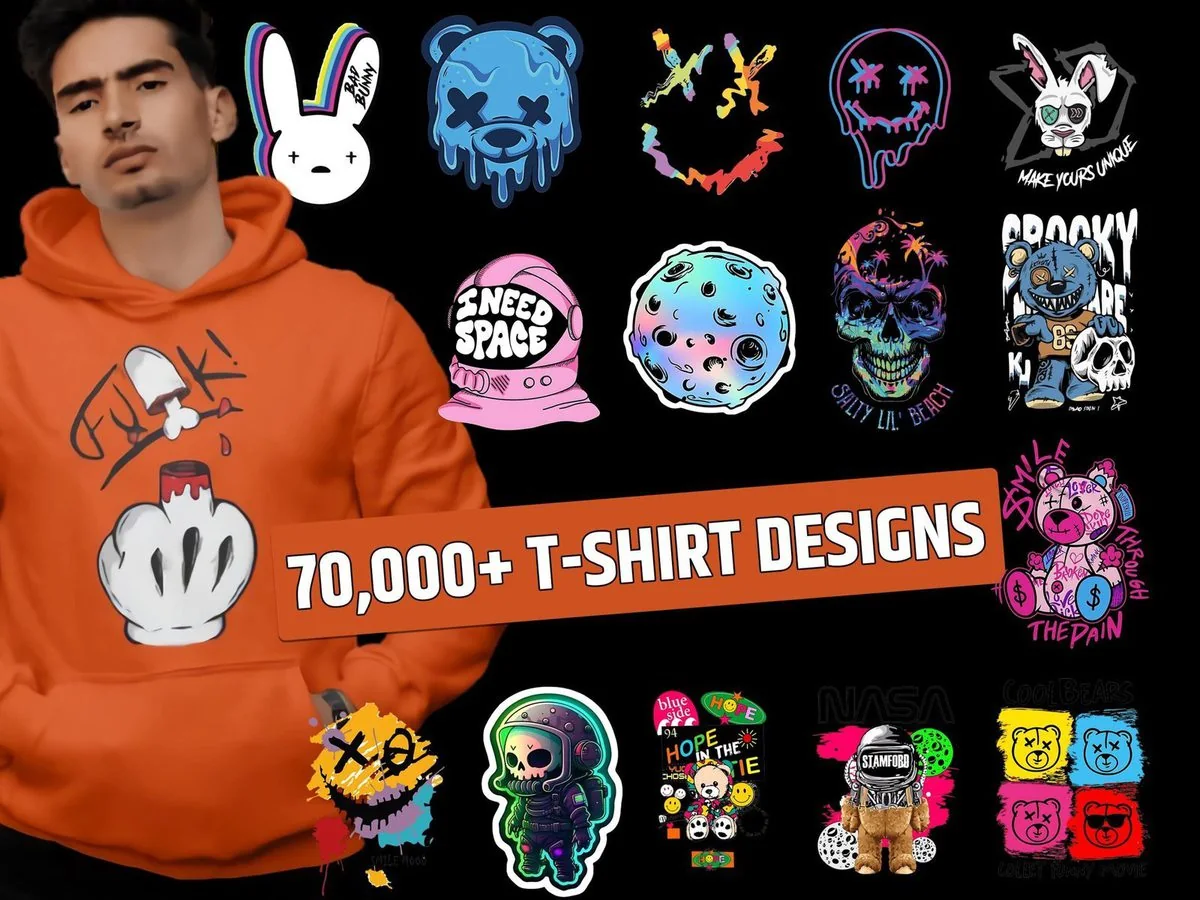
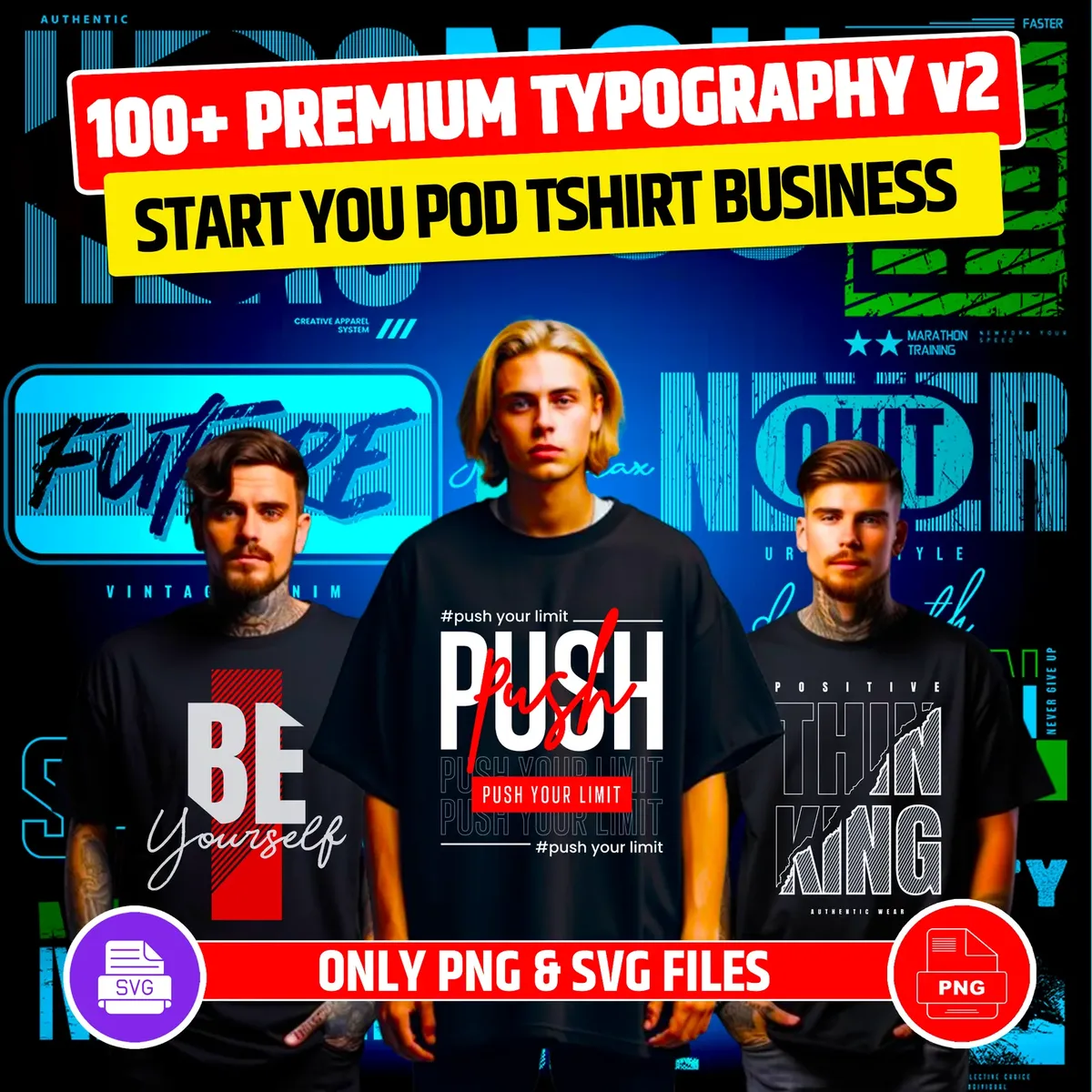
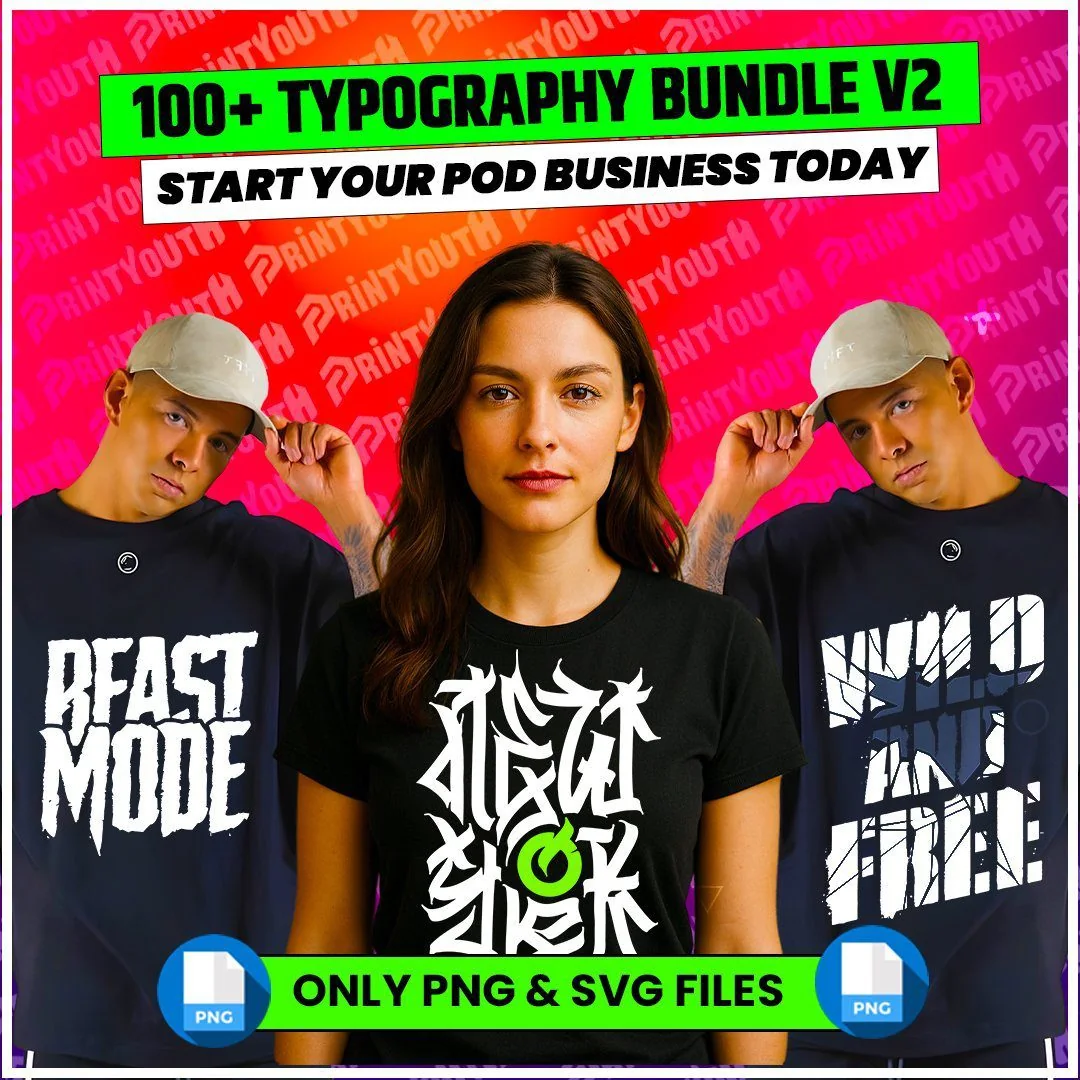
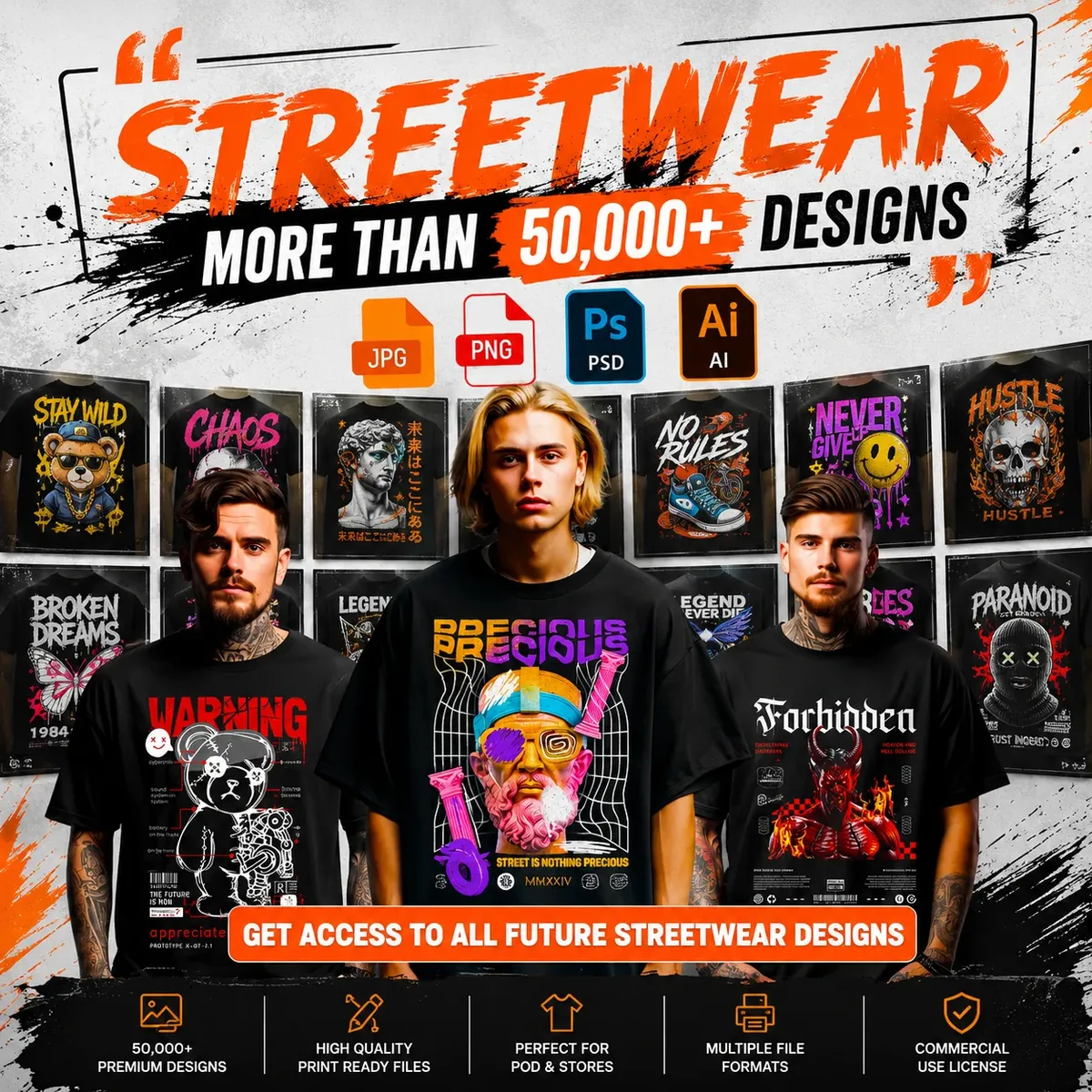
Ready-made artwork to pair with your design maker: the Unlimited Streetwear Bundle and the Mega Typography Bundle.
Last updated: 22 November 2026.